I have a rule for this series that I did not choose: every game I actually want to play turns out to be a research project first. Crimson Desert cost me two posts. Heroes of Might and Magic III cost me a DirectDraw wrapper and a lesson about input polling. Assassin’s Creed Unity cost me one evening and four separate errors, which is a new record.
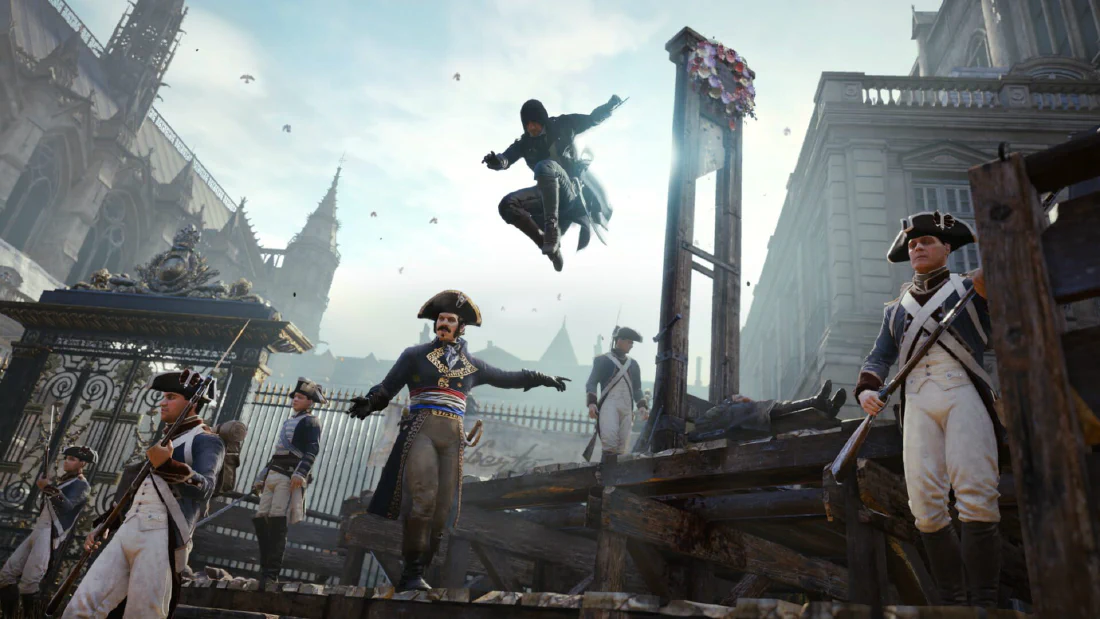
Unity is the Paris one, from 2014, the one with Arno on the rooftops and the co-op mode that nobody remembers. I have owned it for years and never played it, which is the normal fate of games I buy on sale and file under “someday”. This week I decided someday was yesterday.
This is the same shape as the other two: what broke, what the machine actually said, which of my guesses were wrong, and the exact thing that worked. If you only want the recipe, it is at the end.
The machine, one more time: Arch with Omarchy on top, Hyprland on Wayland, a Ryzen 7 7435HS, an RTX 4060 laptop card with 8 GB of VRAM and 16 GB of RAM, NVIDIA driver 610.57.04. The game lives on a second NVMe, and the Steam client is on the public beta channel, which keeps mattering.
Problem one: the launcher Steam never installed
The first click on Play gave me a small dialog in that flat Windows style, a red X, and one sentence:
Unable to find the Ubisoft Game Launcher, please re-install Assassin's Creed Unity.
The wording is a lie on Linux. The game was installed correctly. The problem is that Unity, like most Ubisoft games, does not start itself. ACU.exe starts Ubisoft Connect, and Ubisoft Connect starts the game. On Windows, Steam handles this: the game ships an install script, 289650_install.vdf, which runs UbisoftConnectInstaller.exe /S during installation. On Linux, Steam does not run those Windows install scripts through Proton. It never did. So the launcher was never installed into the prefix, and the game sat there asking for something that was never going to arrive.
You can confirm it in one look. Inside compatdata/289650/pfx/drive_c/Program Files (x86)/ there was no Ubisoft folder at all, and the prefix registry had the game’s own keys but nothing for a launcher. The prefix itself was fine, created on September 1 when the game was installed to the second library. It had simply never contained the launcher.
Problem two: the installer that crashes on GE-Proton10-34
Installing Ubisoft Connect by hand is normally a protontricks one-liner. Even that had a detour: the system pip would not cooperate and sudo wanted a password I was not going to type into a script, so I made a venv under ~/.local/share/warpcore/venv and installed protontricks there. Then:
~/.local/share/warpcore/venv/bin/protontricks 289650 ubisoftconnect
It downloaded the official Ubisoft Connect installer, ran it, printed a warning that the expected executable was not found, and exited. The reason was in the Wine output:
wine: Unhandled page fault on execute access to 0x00000000 in wow64 32-bit code (0x00000000)
The installer crashed before it installed anything. This is a known bug, not something on my side. There is a Lutris issue from this year with somebody stating exactly what I was about to find out: Ubisoft Connect install crashes with the latest GE-Proton 10.34. The installer is an old 32-bit NSIS bootstrapper, and something in that Wine build trips it.
The workaround is to install it with a different Proton. I had GE-Proton11-5 sitting in compatibilitytools.d, so I pointed the game at it for a few minutes. Protontricks refused at first:
GE-Proton11-5 is missing the required Steam Runtime.
That happens because 11-5 had never been launched by Steam, so its runtime was never set up. Adding --no-runtime skips the check, and the installer finally ran. It wrote its files and finished: Ubisoft Connect 168, 461 MB, 208 files, registry keys and all. Then I pointed the game back at GE-Proton10-34, where it belongs on this machine, and moved on.
I should not have moved on.
Problem three: the empty window and the leftover DLL
The next launch got further. Ubisoft Connect opened, the game started, and it showed me a small white rectangle for about two seconds and died. No dialog, no error on screen.
The Ubisoft Connect log inside the prefix was the useful thing. It recorded the game connecting at 19:30:23 and disconnecting at 19:30:25. Two seconds. Steam’s console log had the actual sentence, one line, easy to miss:
wine: Call from 00006FFFFFBCD1F7 to unimplemented function winedmo.dll.winedmo_create_color_converter, aborting
A function that does not exist, called by something, killing the process. The question was which something, and why.
Here is what had happened. The prefix is shared. When I installed Ubisoft Connect under GE-Proton11-5, that Proton copied its own Wine DLLs into the prefix. One of them was iyuv_32.dll, a legacy video codec DLL. The 11-5 version of it imports a function from winedmo.dll, and GE-Proton10-34’s winedmo.dll does not provide that function. I counted the strings to be sure: zero occurrences in 10-34, six in 11-5. Worse, GE-Proton10-34 does not ship iyuv_32.dll at all, so when I switched the game back there was nothing to overwrite the 11-5 copy. Wine loaded the leftover, looked for the missing import, and aborted.
Fifteen DLLs existed in 11-5 but not in 10-34, and the prefix had all of them. Only iyuv_32.dll broke, because it is the one whose imports reach into a DLL that 10-34 does ship. I deleted it from system32 and syswow64, keeping copies, and the abort stopped.
The mechanism is worth remembering. Mixing Proton versions in one prefix does not fail with a missing file. It fails with an unimplemented function, which looks like a Proton regression and is actually a leftover from a version you already stopped using.
Problem four: downloading content, zero percent
With the crash gone, the game still would not start. Clicking Play put Steam into “Downloading content” at 0% and left it there. The content_log.txt was blunt:
Failed installing AppID 4183110 (Invalid platform)
AppID 4183110 is Steam Linux Runtime 4.0. The game was still mapped to GE-Proton11-5, and GE-Proton11 declares that runtime as a hard dependency:
"require_tool_appid" "4183110"
I already wrote about this bug in the Crimson Desert post, so I will keep it short: this Steam client cannot install Runtime 4.0. It downloads nothing, marks it installed anyway, and every Proton that needs it fails to launch. Proton Experimental, Proton Hotfix, Proton 10.0 and GE-Proton11-5 all want it. Trying to install Proton 10.0 fails the same way, with Invalid platform. On this machine there is exactly one working Proton, GE-Proton10-34, because it asks for the older sniper runtime (1628350), which is installed and healthy.
The fix was to stop testing and set the mapping back:
appid 289650 -> GE-Proton10-34
That is also the honest cost of the whole night. The newer Proton would probably have been fine. On this Steam client it cannot launch anything at all, and this is the second time I have written that sentence in a post.
Signing in
One thing remains, and it is Ubisoft’s, not Proton’s. Ubisoft Connect tries to log in automatically through the Steam ticket, and the server answers with a 401 from public-ubiservices.ubi.com. So it asks for the password. You type it, you press the button, and the game starts. It may ask again next time. That is the client behaving exactly as badly as it does on Windows, which is almost comforting.
The final configuration
Short version, because the recipe follows:
- Compatibility tool for appid
289650: GE-Proton10-34. - Launch options:
DXVK_FRAME_RATE=120 gamemoderun grifone record -- %command%. - VSync stays on in the game’s video options. There is a broad agreement in the reports that turning it off causes control lag, physics bugs and random crashes.
- Recording is automatic, because Grifone wraps the launch and the Steam launch option is the only place recording is ever authorized.
DXVK_FRAME_RATE=120 caps the frame rate to match the 120 Hz panel, so that a wrong VSync setting cannot take the game down.
The recipe
- Confirm the launcher is actually missing. If there is no
Ubisoftfolder undercompatdata/289650/pfx/drive_c/Program Files (x86)/, the error is real and the next three steps are for you. - Install Ubisoft Connect into the prefix. If your Proton runs the installer,
protontricks 289650 ubisoftconnectis enough. If it dies with a null page fault, you are on GE-Proton10-34: point the game at GE-Proton11-5 temporarily, run the same command with--no-runtime, then point it back. - Delete
iyuv_32.dllfromcompatdata/289650/pfx/drive_c/windows/system32/and fromsyswow64/. That file is a leftover from step 2 that the older Proton cannot satisfy. Keep a copy somewhere. - Make sure the game is mapped to a Proton on the sniper runtime, which on my machine means GE-Proton10-34. If
content_log.txtsaysFailed installing AppID 4183110 (Invalid platform), you have the runtime bug and no Proton 11 will launch until Valve fixes it. - Launch, sign in to Ubisoft Connect when the password box appears, and play.
Two caveats. The prefix keeps fourteen other DLLs from 11-5 that nothing has needed so far, and if something odd shows up later, that is the first place to look. And the Ubisoft Connect password prompt is not a Proton problem, so do not go hunting for a launch option that fixes it. There is not one.
What I take from this
The first lesson is that Steam does not run Windows install scripts on Linux. For any Ubisoft game, that means the launcher is your job, and the game’s own error message sends you to reinstall a game that was never broken.
The second is about the prefix being shared. I spent the longest part of the night reading an “unimplemented function” as a Proton regression, when it was a file from a Proton I had used for ten minutes and then abandoned. The fix took one rm. The diagnosis took an hour, and it only started the moment I stopped comparing Proton versions and counted a string inside a DLL instead.
The third is smaller and I keep relearning it. Every tool lied about something that night: Steam said the runtime was installed, protontricks said the install completed, and the game said nothing at all. The files on disk told the truth the whole time.
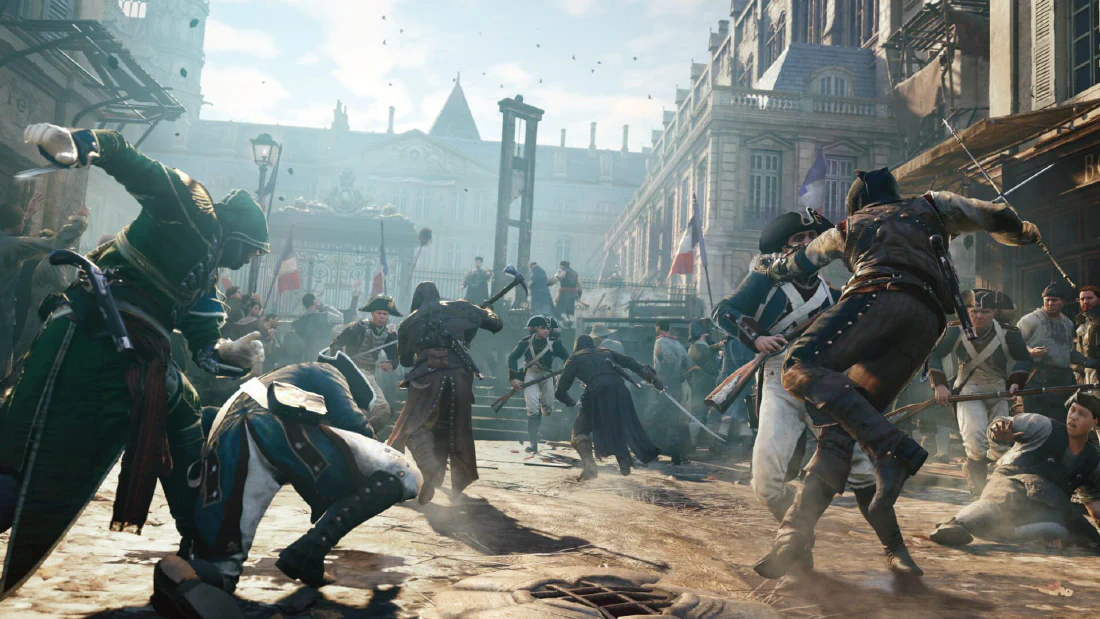
Anyway. The game runs, Paris is there, and Arno is waiting on a roof for the two hours I get. That is the whole point.
Apparently this is a series now. Three games, three different ways for Linux to make me work for it. I have stopped pretending I mind.